Brain dump in one tap from your Lock Screen, Home Screen or Control Center
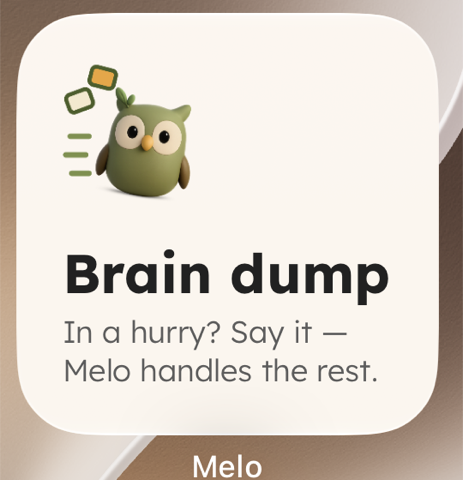
In a hurry? Put a Brain dump button where your thumb already is. One tap opens Melo ready for you to type or talk, and Melo sorts it out later.
On iPhone
How do I add Brain dump to Control Center?
- Open Control Center. Swipe down from the top-right corner, then long-press an empty spot (or tap + at the top left).
- Add the Brain dump control. Tap Add a Control, search for Brain dump and tap it under Melo.
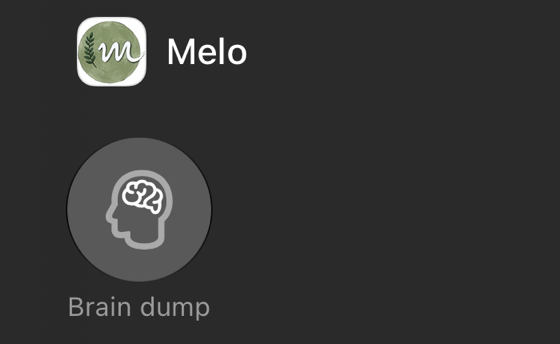
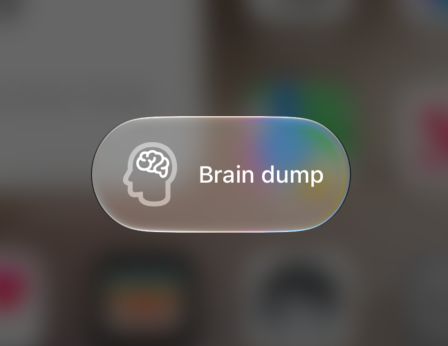
- Want the name to show? A new control starts as a round button. While you are still editing, drag its corner to make it wider and it reads Brain dump.
How do I put it on my Lock Screen?
Long-press the Lock Screen, tap Customize, then Lock Screen. Then pick one or both:
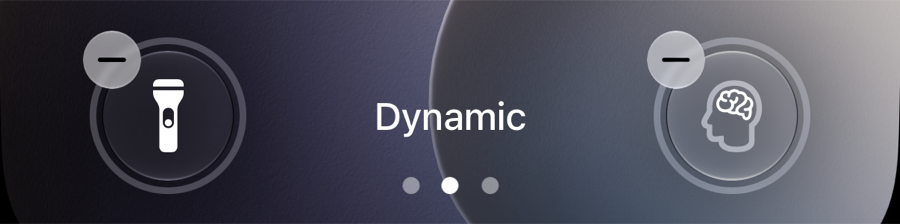
- As a button at the bottom. Tap – on the flashlight or camera button, tap the empty +, then choose Brain dump.
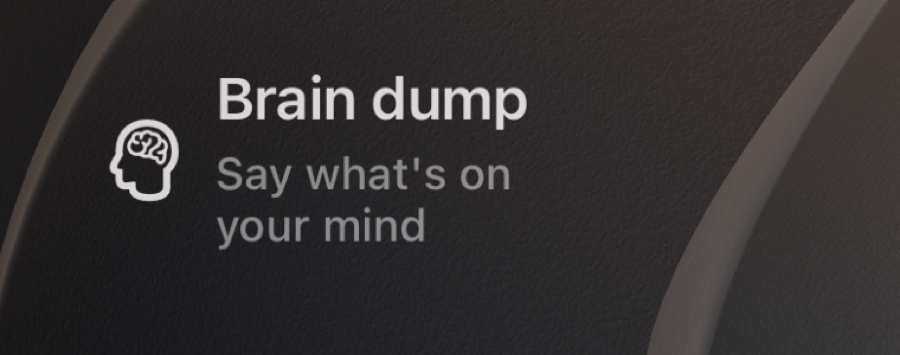
- As a widget. Tap Add Widgets under the clock, find Melo and pick the round or the wide Brain dump widget. There is also a one-line version for the spot above the clock.
- Tap Done.
From the Lock Screen, your iPhone asks for Face ID or your passcode first, then opens the brain dump.
How do I add it to my Home Screen?
- Open the widget gallery. Long-press an empty spot on your Home Screen, tap Edit, then Add Widget.
- Add the Brain dump widget. Search for Melo, swipe to Brain dump and tap Add Widget.
Can I use the Action button?
Yes, on iPhone 15 Pro and later. Open Settings → Action Button, swipe to Controls and choose Brain dump.
On Android
How do I add the Brain dump widget?
- Touch and hold an empty spot on your home screen, then tap Widgets.
- Find Melo and choose Brain dump.
- Drag it where you want it. One tap opens a brain dump.
How do I add it to Quick Settings?
- Swipe down twice from the top of the screen to open Quick Settings.
- Tap the pencil (Edit). On some phones it's in the ⋮ menu.
- Drag Brain dump into your tiles. Now it's a swipe and a tap from any screen, even the lock screen.
Is there a shortcut on the app icon?
Yes. Touch and hold the Melo icon and tap Brain dump. To keep it one tap away, hold Brain dump and drag it onto your home screen.
Good to know
- Every one of these opens the same brain dump screen, keyboard up. Type, or tap the mic and talk.
- Rather not open Melo at all? Say "Brain dump to Melo" to Siri. See Talk to Melo with Siri and shortcuts.
- Not sure what happens next? How a brain dump works explains how Melo sorts it into tasks, events and notes for you to approve.
Get Melo: App Store (iPhone) · Google Play (Android)